The constraints are scattered
In a spreadsheet, on notes, in messages, in the coordinator’s memory. When something changes, nobody knows what else it breaks.
Write your school’s constraints the way you’d say them in the staff room. baldru shows what each rule will do, who it applies to, and what happens when it meets another rule — before the solver builds the timetable.
Access is by invitation: every school gets its own key.


In a spreadsheet, on notes, in messages, in the coordinator’s memory. When something changes, nobody knows what else it breaks.
A homeroom teacher who opens the week with her class, a light day, a teacher with a long commute — there they become checkboxes and weights nobody can read later.
When not everything is possible, you need to know what gave way, for whom, and by how much. Not just that something failed.
Pick one of 40 types, or describe what you need in words. The rule appears as one sentence, and every value in it is a button.
“Must” never moves. “High”, “medium” and “low” are preferences — and they decide who gives way when not everything is possible.
Before you save: who the rule applies to, what happens if it can’t be met, and which other rule touches the same teachers.
Every value in the sentence — a number, a teacher, a group, a priority — is a button that opens its own panel. There is no read mode and edit mode: you read exactly what you edit, so a rule aimed at the wrong people is caught just by reading it.
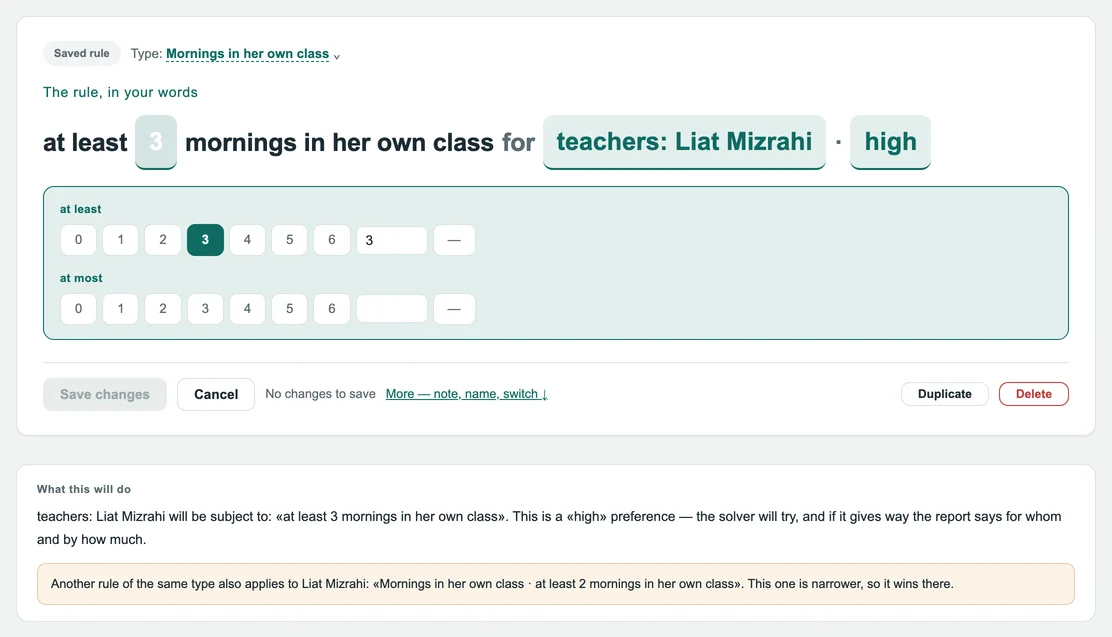
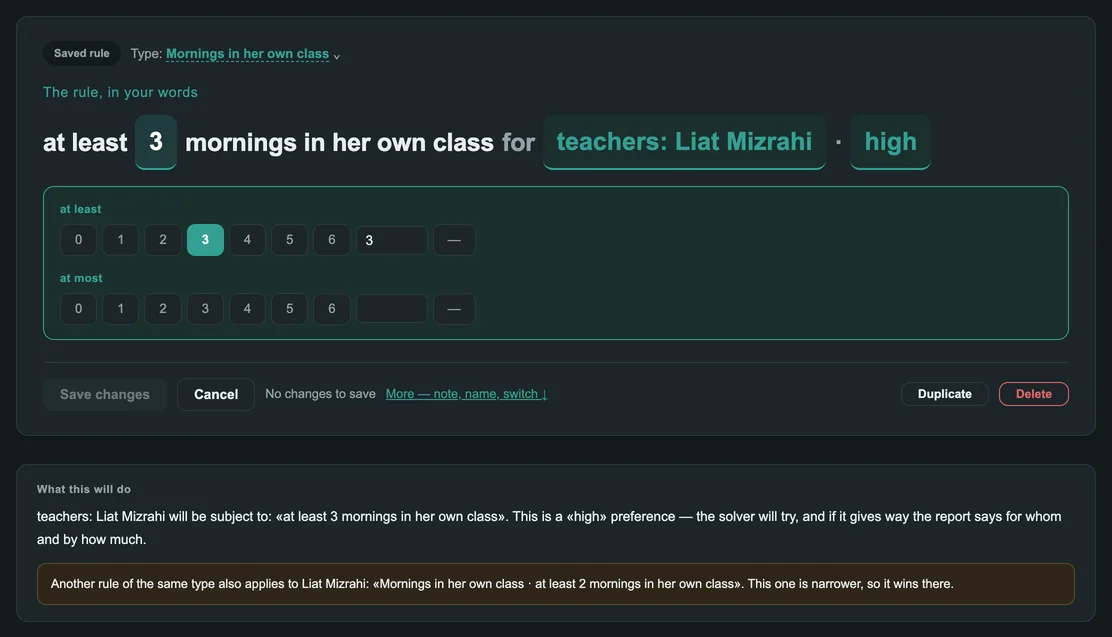
Under every rule is a plain-language explanation: who it applies to, whether it is a requirement or a preference, and what happens if it can’t be met. When another rule of the same type reaches the same teacher, it says which one wins — the narrower one.
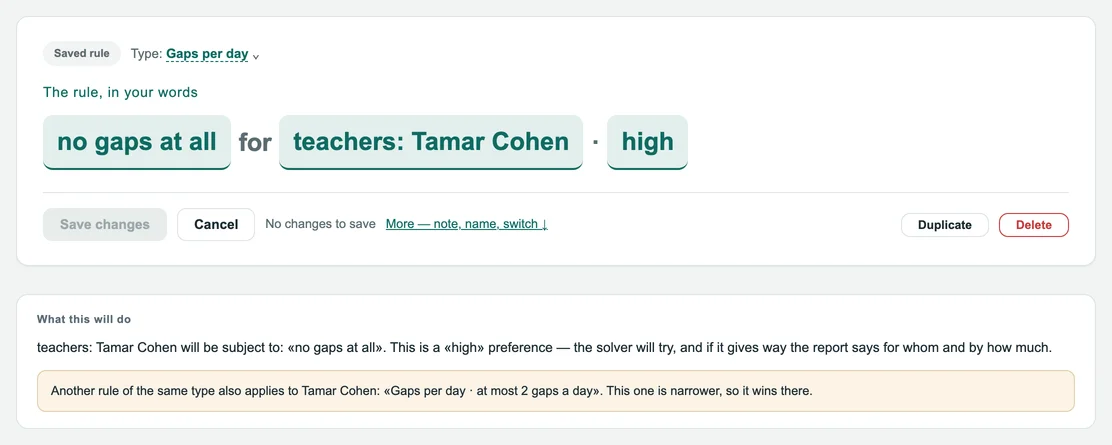
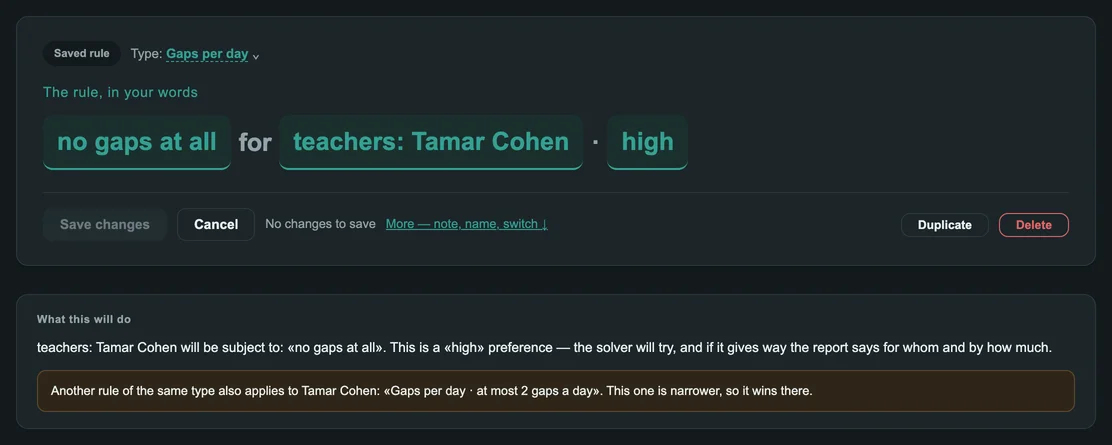
One rail at the side holds four views, and the panel beside it is always the thing you are looking at.
School-wide rules, rules for groups and personal rules — searchable, with a coloured dot for each priority.
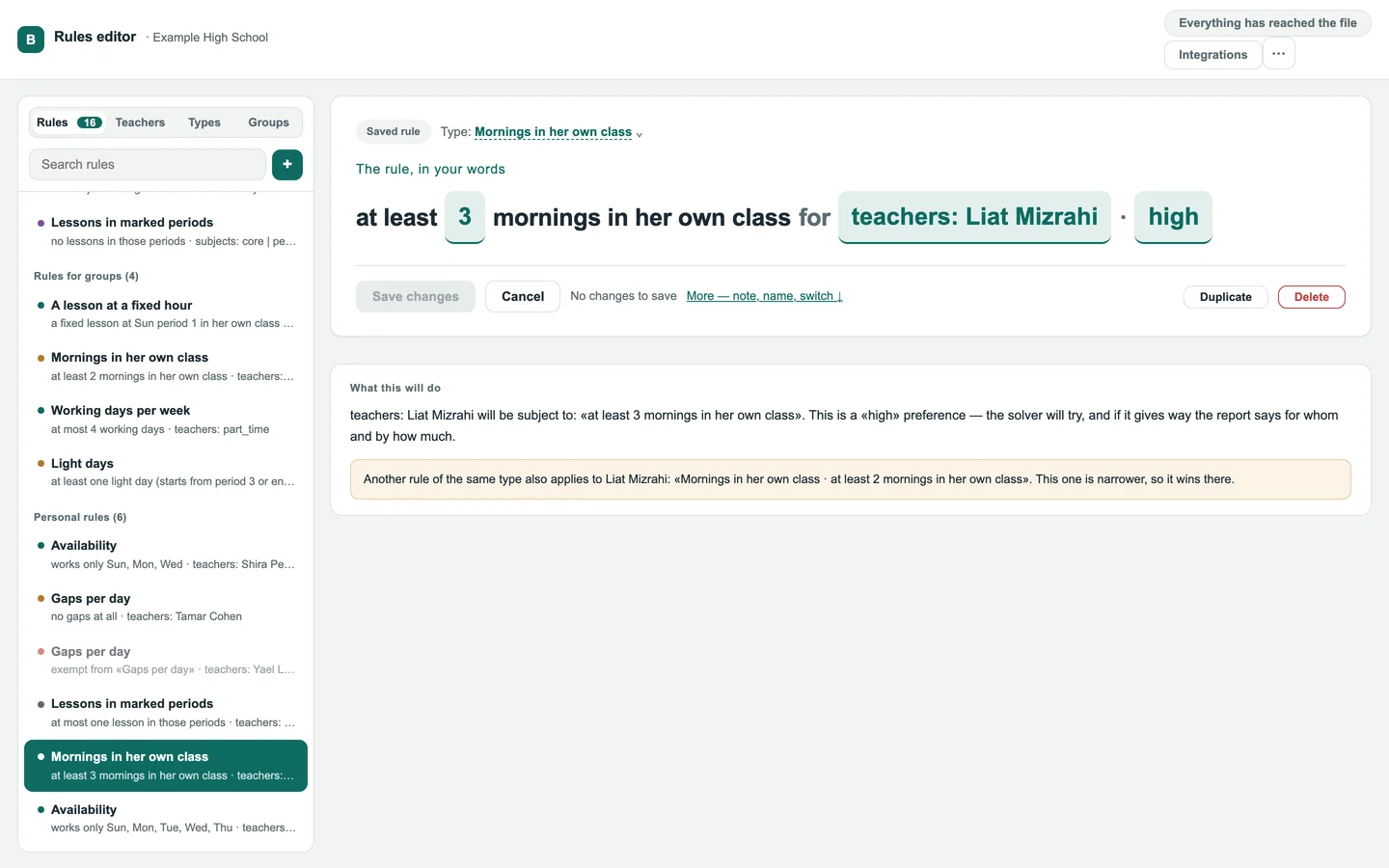
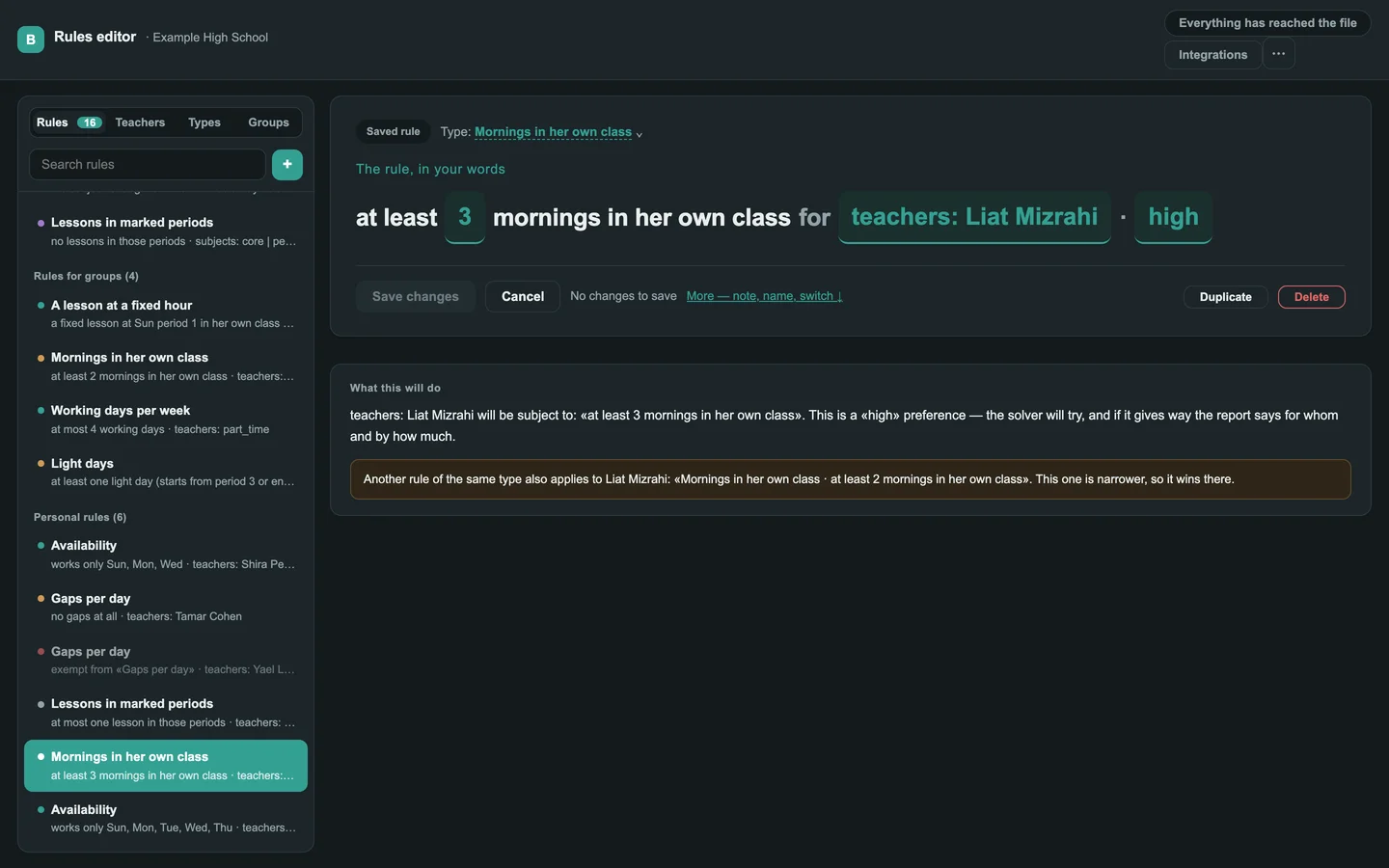
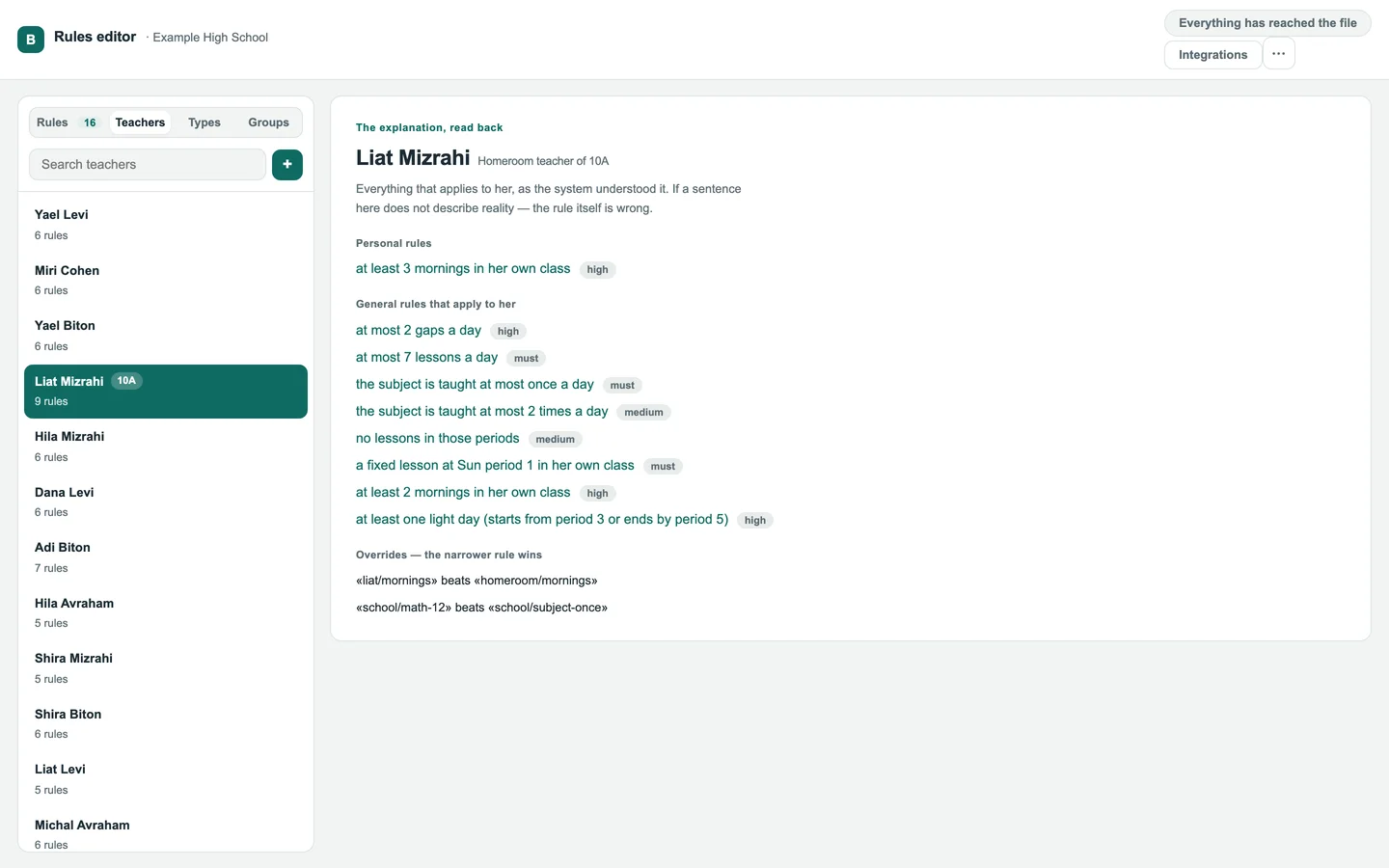
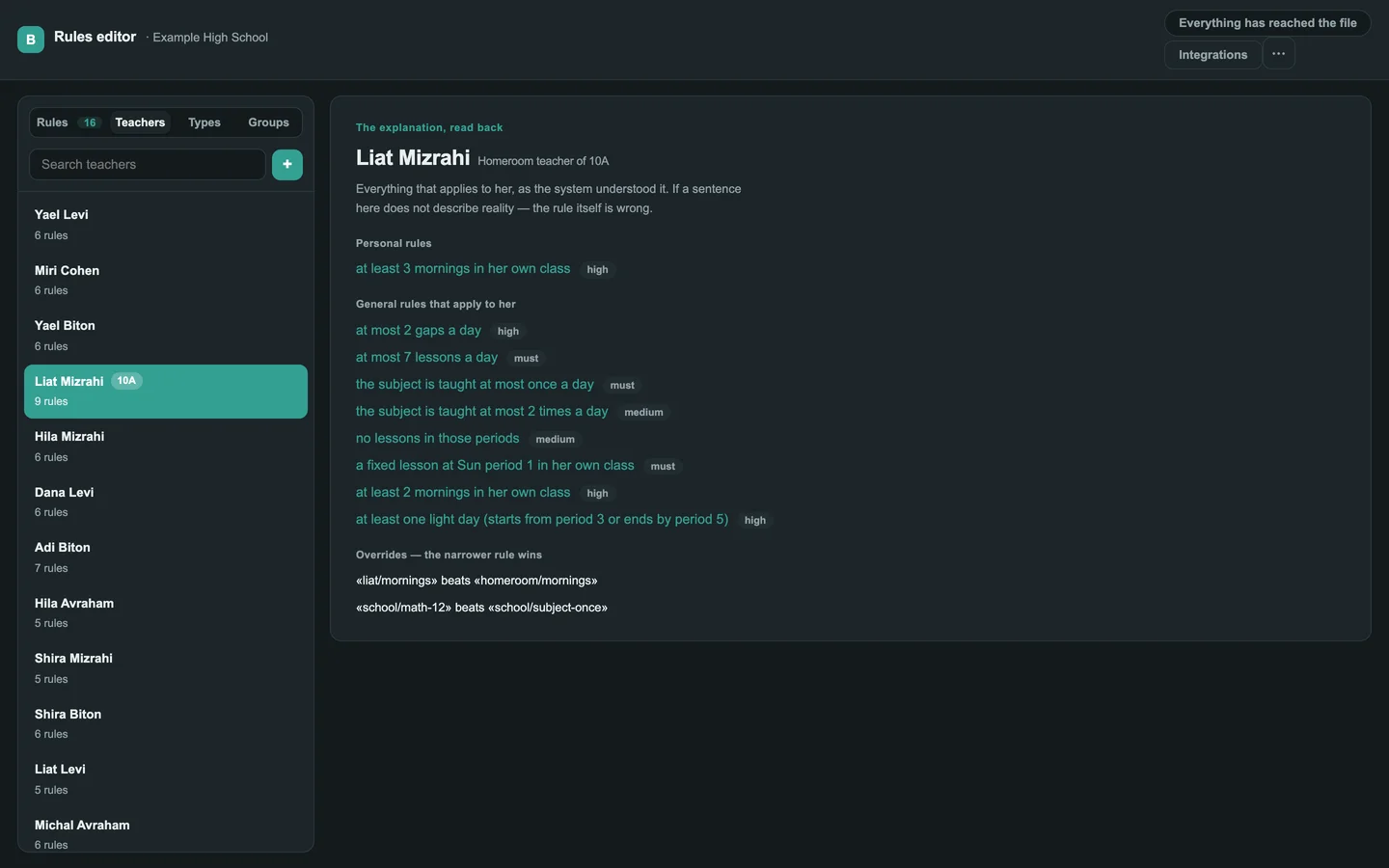
Pick a teacher and see her personal rules, the general rules that apply to her, and which rule overrides which. If a sentence here doesn’t describe reality, the rule itself is wrong.
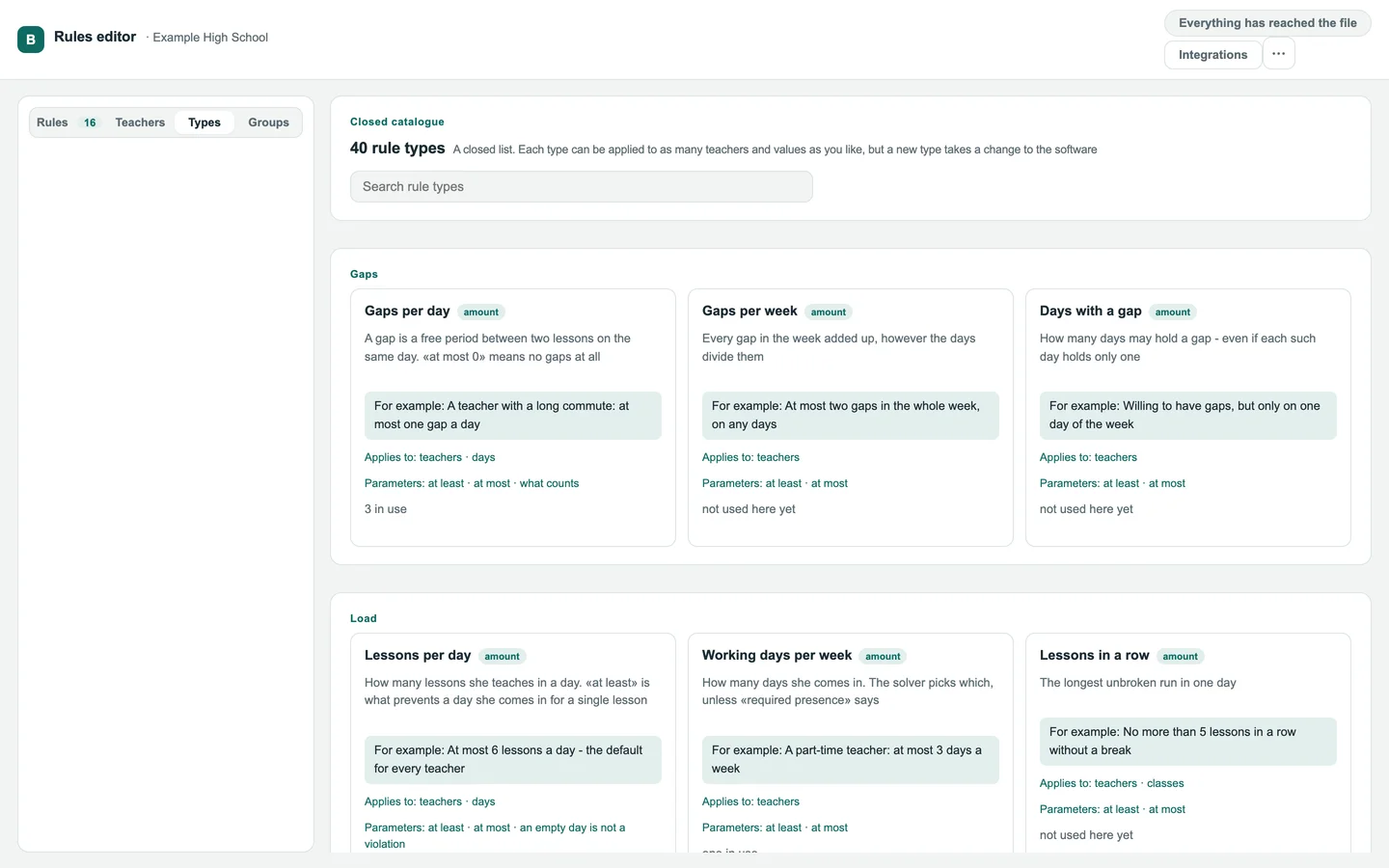
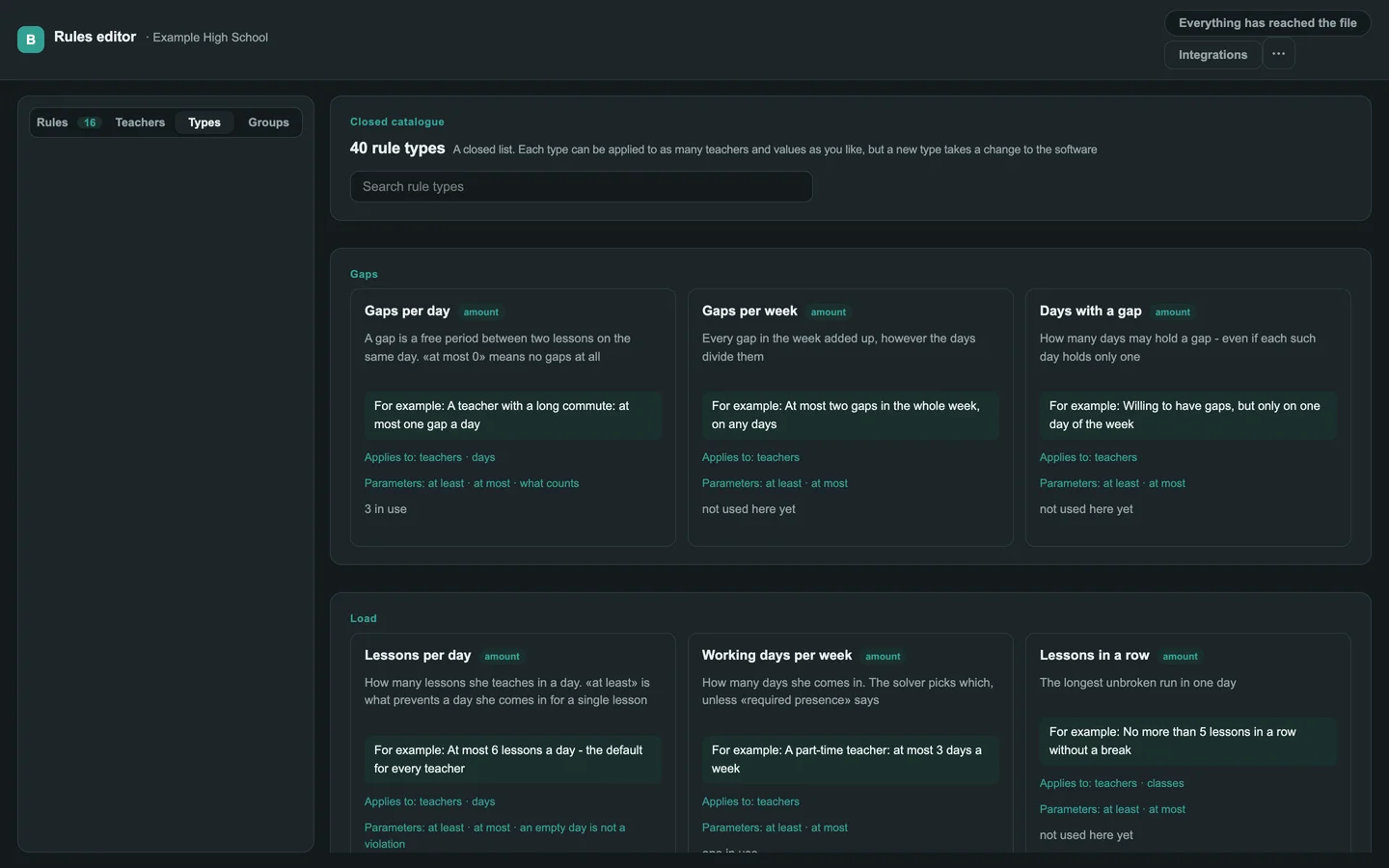
Gaps, load, availability, homeroom mornings, light days and more. A closed list: any type can be applied to as many teachers and values as you like.
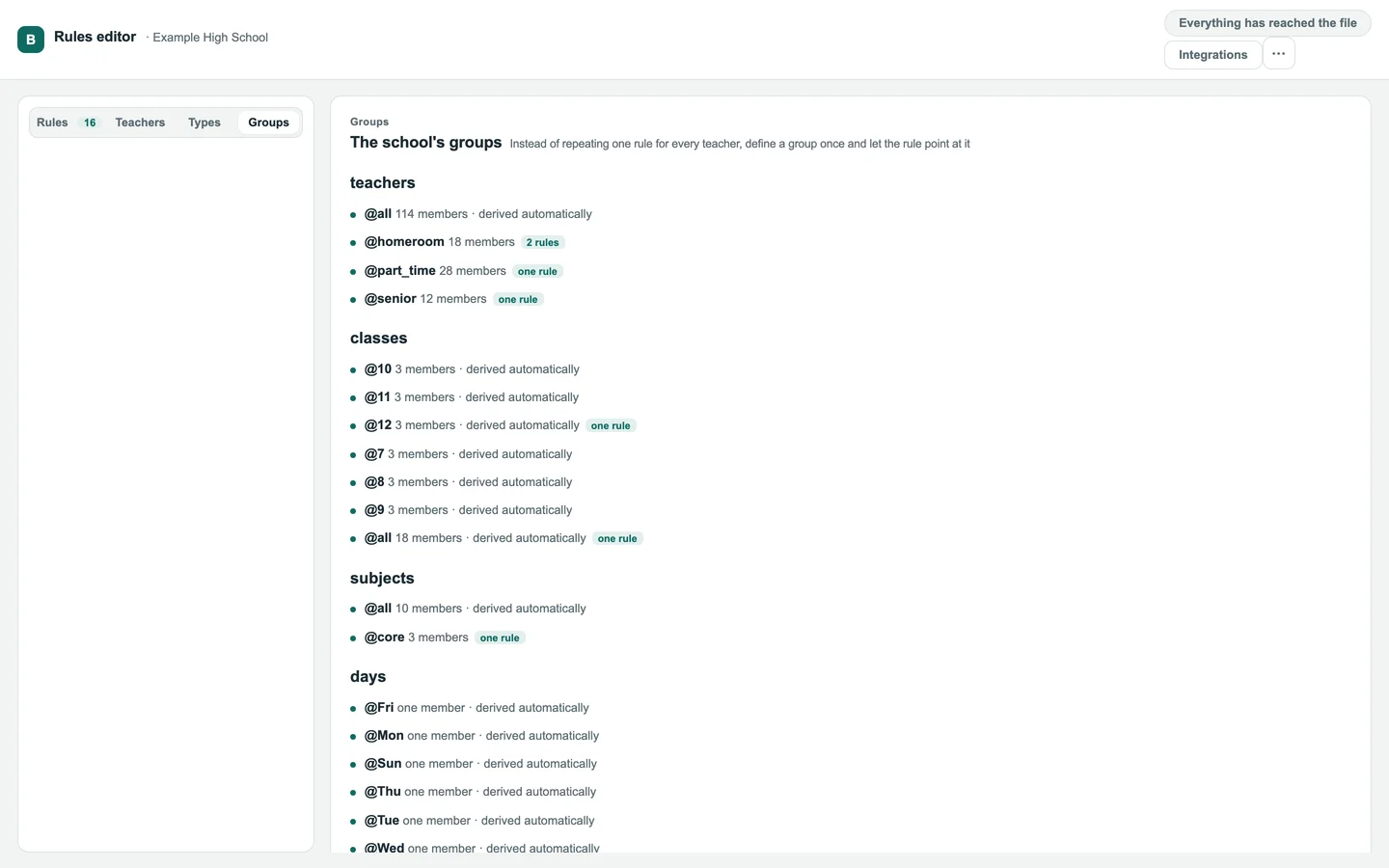
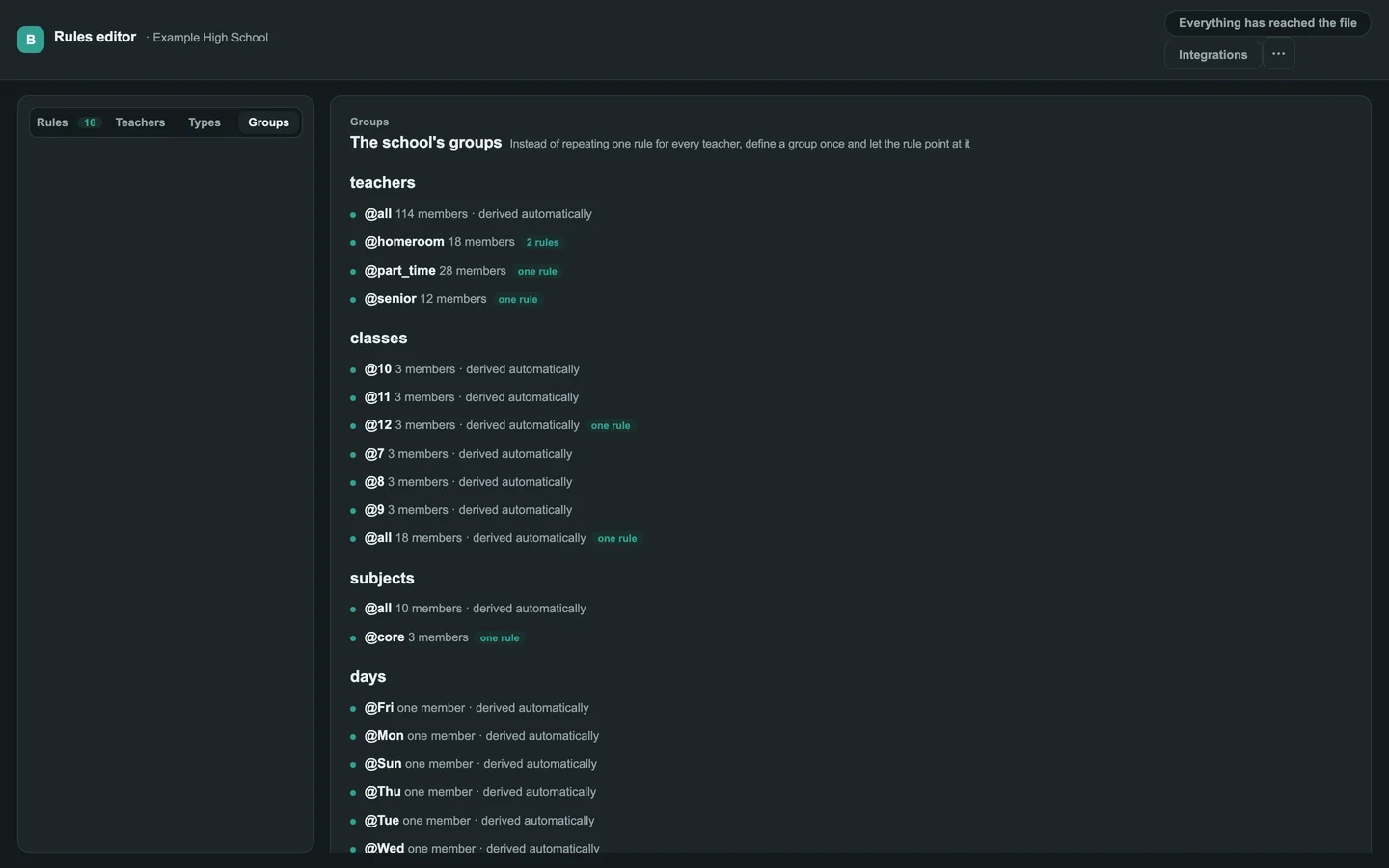
Homeroom teachers, part-time staff, core subjects, late periods — instead of repeating one rule for every teacher, the rule points at the group.
Write it like a message, and the assistant proposes a finished rule — in exactly the sentence the editor shows. Nothing is saved until someone accepts it, and if the proposal can’t be shown with confidence, it isn’t shown at all.
Rivka does not want more than one gap a day
Got it. Here is what I suggest:
at most one gap a day
School owner, editors and viewers. A viewer can read every rule, and can’t change one.
Who asked, when, and why. The solver’s report quotes it.
All the rules in a single file you can download, back up and hand over.
One engine builds the timetable, and a separate one checks it against the same rules — a mistake in either shows up as a disagreement.
A full right-to-left interface, and English when you need it.
Following your computer, or your choice.
baldru started with one school, whose rules the big timetabling products couldn’t express. Instead of bending the school to the software, we built the rules the way its timetable coordinator words them.
And behind them, an engine that doesn’t just build a timetable but explains it: why a perfect one is or isn’t possible, and what it would cost to get closer.
Teachers, classes, subjects, days and periods — and the rules. There is no student data in the file.
There is no open sign-up. Everyone comes in with a personal key, and the school owner decides who edits and who views.
No change reaches the rules without a person accepting it.
Download every rule at any time, in a single file.
Need a privacy document for whoever approves this at your school? Write to us.
Write to us and you get a personal invitation key for your school. There is no open sign-up.
Pricing is per school. We’ll go through it on the first call.
No. It is a website — you use it in the browser.
A “must” that can’t be met means no timetable is produced, and you get a report on what blocked it. A preference can give way, and the report says for whom and by how much.
There are 40 types, and each can be applied to any group with any values. A completely new type needs a change to the software — tell us what’s missing.
Tell us what you need — a calendar, a management system, an automatic export — and we’ll get back to you.
Write to us, and we’ll get back to you with an invitation key.
Already have a key? Sign in to the editor